The Amazon 7-image formula: what every slot should do
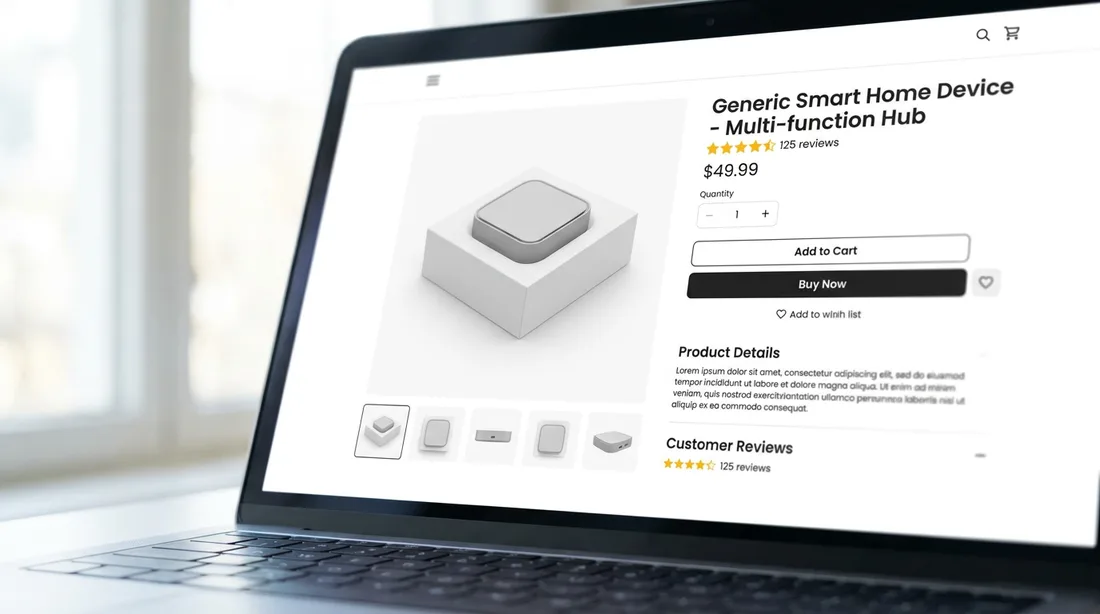
Amazon gives you up to seven image slots on a standard listing (nine if you count the ones below the fold). Most sellers treat them as seven chances to show the product from seven angles. That's a wasted opportunity. The image gallery is really a silent sales conversation — and each slot should answer the next question forming in the shopper's head.
Here is the slot-by-slot formula we use to build listings that keep shoppers swiping instead of bouncing.
First, the non-negotiable specs
Before strategy, get the technical requirements right — a suppressed image sinks the whole listing:
- Main image background: pure white, RGB 255,255,255 — not off-white, not light grey.
- Resolution: at least 1000px on the longest side to unlock zoom; 2000px or more is the real standard so the image stays sharp when shoppers pinch-zoom on a Retina phone.
- Framing: the product should fill about 85% of the frame.
- Main image rules: the product only — no text, badges, logos, watermarks, props, or inset images.
Slot 1 — The main image (win the click)
This is the only image that competes on the search results page, judged against 20 thumbnails at once. One clear hero angle, bright even lighting, product filling the frame. Its single job is instant recognition and the click. We wrote a whole piece on winning the click with your main image — start there.
Slot 2 — The "hero benefit" infographic
Now they've clicked, lead with your strongest selling point. Slot 2 should translate your #1 feature into a benefit with a bold, thumb-readable callout. Not a spec sheet — one big idea that says "this is why you want it."

Slot 3 — Features breakdown
Here you can go wider: 3–4 key features with short callouts pointing to the product. Keep the text large enough to read on a phone (assume it will be a third of its desktop size). This is where you turn a spec list into "what's in it for me."
Slot 4 — Lifestyle / in-context
Show the product being used by a real person in a real setting. Lifestyle images do the emotional work — they let the shopper picture the product in their life, and they quietly communicate scale and use-case at the same time.
People don't buy the product in the box. They buy the version of themselves that owns it. That's the job of the lifestyle shot.

Slot 5 — Size & scale
The number-one driver of returns and one-star reviews is "smaller/bigger than I expected." Use a dimensions graphic, a comparison to a common object, or an in-hand shot. Setting size expectations here protects your rating downstream.
Slot 6 — Comparison or "what's in the box"
Two strong options: a comparison chart that positions you against the alternative (including your own smaller pack sizes), or a clean "what's included" layout so there are no surprises on arrival. Both remove a reason to hesitate.
Slot 7 — Trust & reassurance
Close the gallery by handling the last objection: warranty, certifications, materials, guarantee, or a founder/brand note. This is the "you can buy with confidence" slot before they scroll to reviews.
The quick checklist
- Main image: pure white, 2000px+, product at ~85% of frame
- Each slot answers the next question, not the same one twice
- All text is legible at phone size (most shoppers are on mobile)
- Size and scale are addressed explicitly to cut returns
- The final slot removes the last reason to hesitate
Get the sequence right and your gallery does what a great salesperson does: anticipates every doubt and answers it before it becomes a reason to leave.
Want us to audit your image gallery?
Send us your ASIN and we'll show you exactly what's costing you clicks and conversions — free.
Get a free audit →